peektea v0.2.0
Released 2026-06-06
Summary
v0.2.0 adds first-class WSL support so peektea works on Windows machines via Windows Subsystem for Linux, and ships a proper install story: a one-line curl installer, go install, and pre-built binaries for Linux and macOS — no Go toolchain or source clone required.
What's new
WSL support
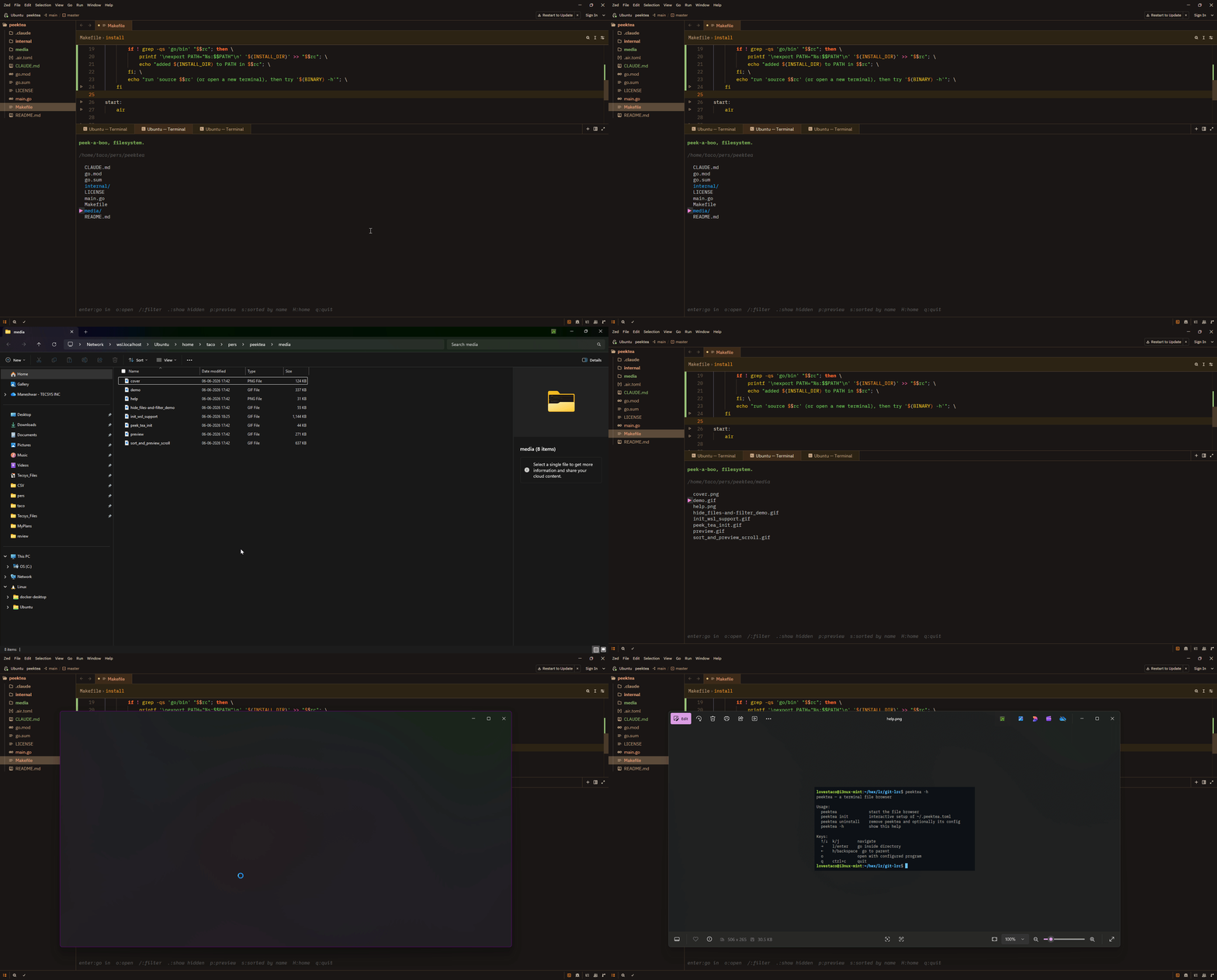
peektea now detects WSL automatically. When running inside WSL, pressing o routes file opens through wslview (from wslu) if available, otherwise explorer.exe. Linux paths are converted to Windows UNC paths via wslpath -w so Windows apps can read them.
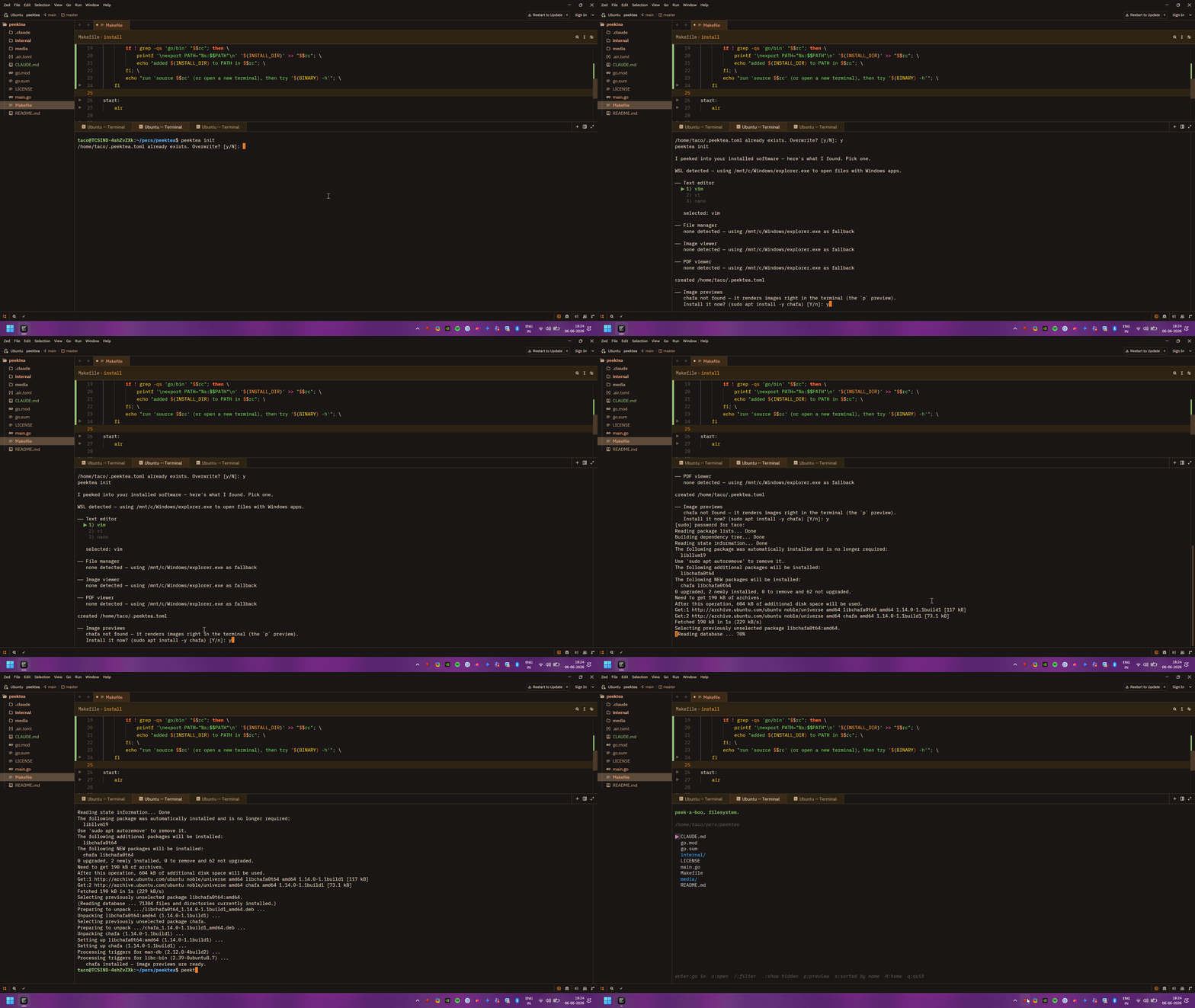
peektea init on WSL skips the Linux GUI app categories and sets the Windows opener as the fallback instead of xdg-open.
Smarter peektea init
If chafa isn't installed for image previews, peektea init now offers to install it on the spot using your system package manager — no copy-pasting commands. Declining the overwrite prompt keeps your existing config and continues to the chafa check, so you can re-run peektea init any time just to install extras without touching your config.
Better make install
make install now figures out $PATH for you automatically:
- Binary already reachable — done.
~/.local/binis on your PATH — symlinks the binary there, works immediately.- Neither — appends
~/go/binto.bashrc/.zshrcand prints thesourcecommand.
Install
One-liner (recommended):
Detects your OS and architecture, downloads the right binary from this release, and installs it to ~/.local/bin or /usr/local/bin.
Download a binary manually — grab the right archive from the assets below:
| Platform | File |
|---|---|
| Linux x86-64 | peektea_v0.2.0_linux_amd64.tar.gz |
| Linux arm64 | peektea_v0.2.0_linux_arm64.tar.gz |
| macOS x86-64 | peektea_v0.2.0_darwin_amd64.tar.gz |
| macOS Apple Silicon | peektea_v0.2.0_darwin_arm64.tar.gz |
With Go:
From source:
Keys
| Key | Action |
|---|---|
↑/↓ k/j |
navigate |
→ l enter |
go inside directory |
← h backspace |
go to parent |
H |
go to home directory |
o |
open with configured program |
p |
toggle preview panel |
[ / ] |
scroll preview |
/ |
filter as you type |
. |
toggle hidden files |
s |
cycle sort: name → size → modified |
q ctrl+c |
quit |
Verification
Known issues
None known. File an issue at github.com/lovestaco/peektea/issues.