WSL support
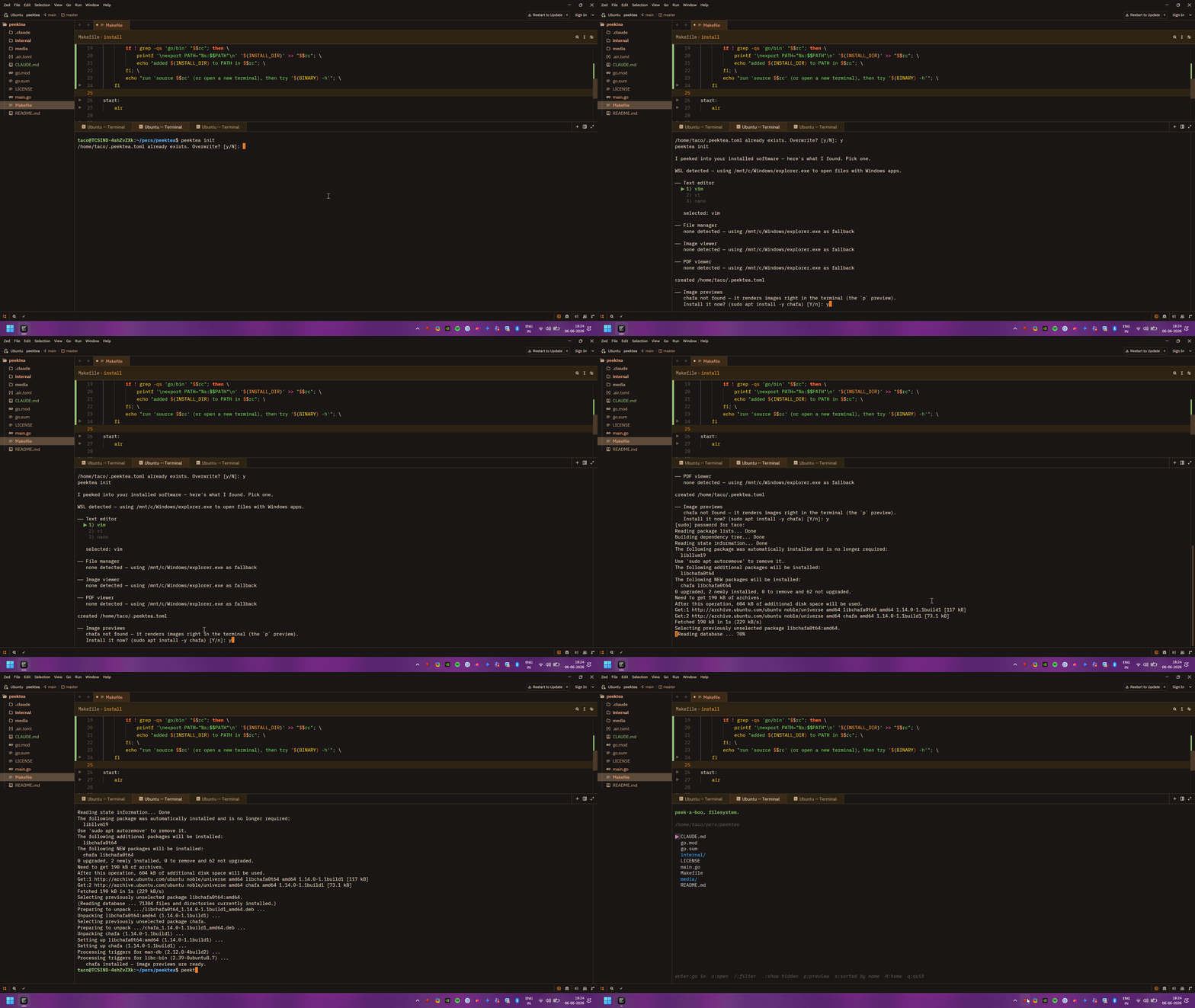
peektea works on Windows Subsystem for Linux out of the box. It detects WSL automatically and routes file opens through:
wslview(fromwslu), if availableexplorer.exe, otherwise
Linux paths are converted to Windows paths via wslpath so Windows apps can read them directly.
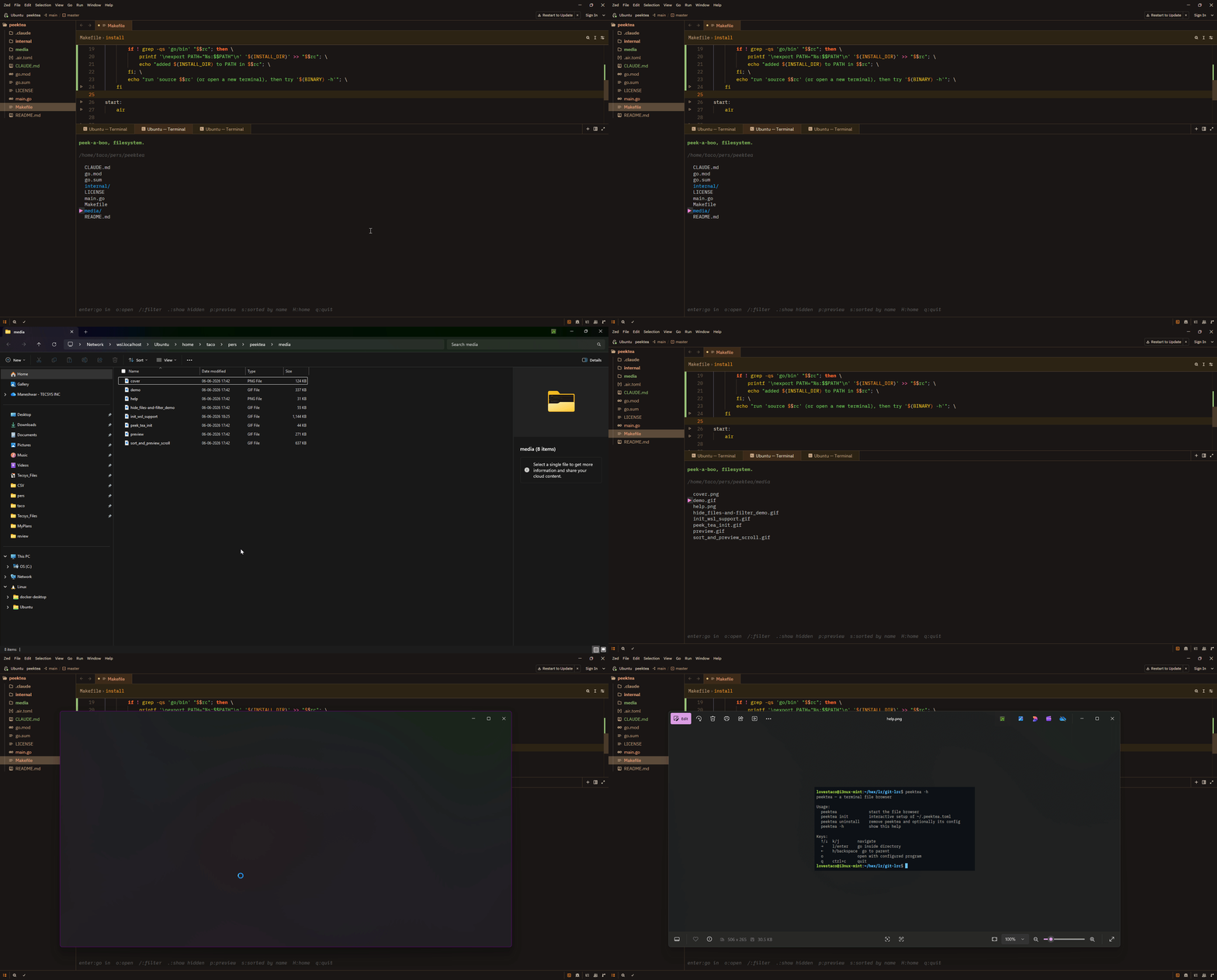
Setup on WSL
peektea init on WSL skips the Linux GUI app categories — there's no point offering nautilus or feh when you're routing through Windows — and sets the Windows opener as the fallback instead. See Configuration for the full setup walkthrough.