Filtering
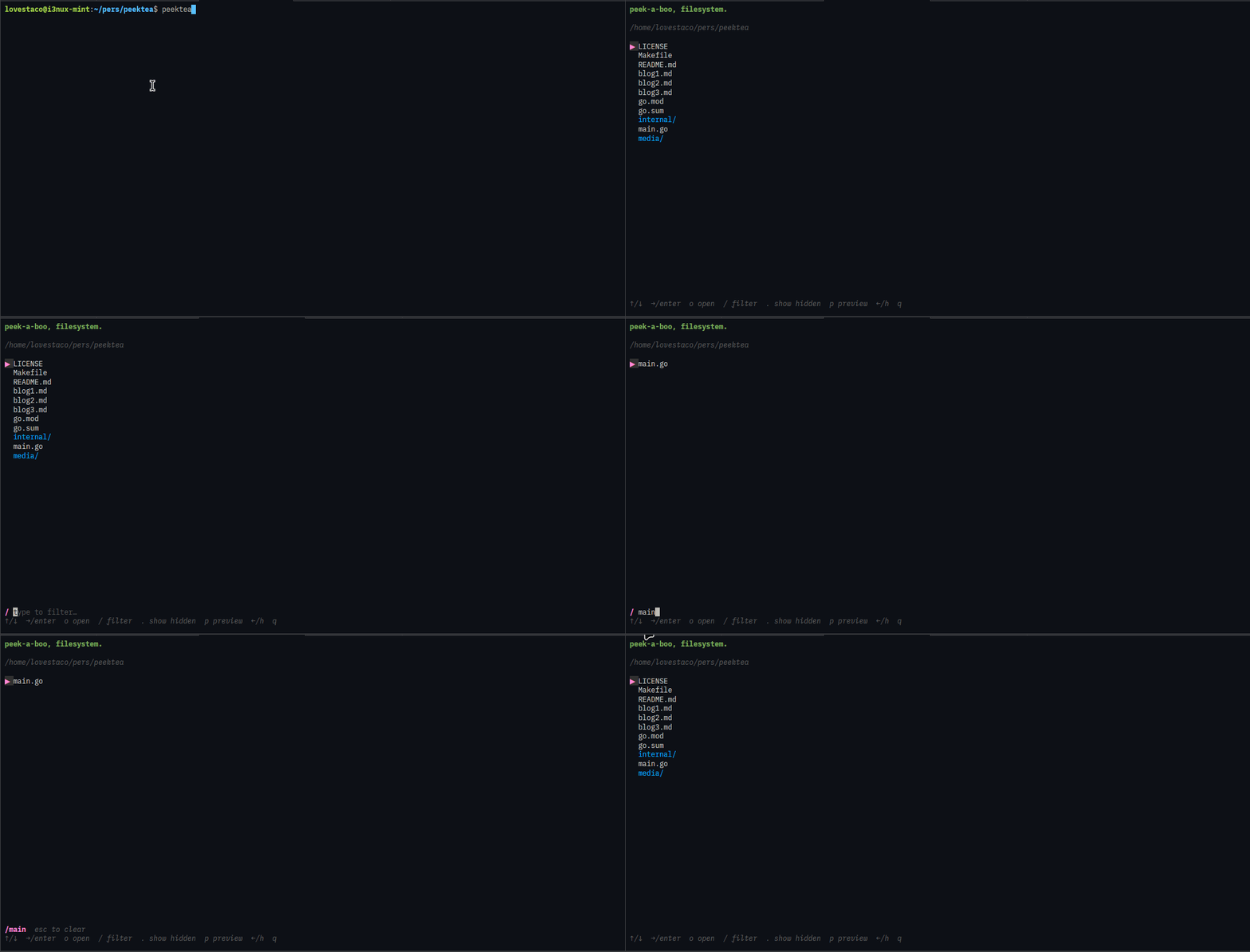
Press / to enter filter mode. Type anything and the list narrows to matching entries in real time. The filter input appears at the bottom of the panel, above the hint bar — like vim's command line.
| Key | Action |
|---|---|
enter |
confirm and exit filter mode (filter stays active) |
esc |
clear the filter entirely |
↑ / ↓ |
still navigate the list while you type |