EarsUp
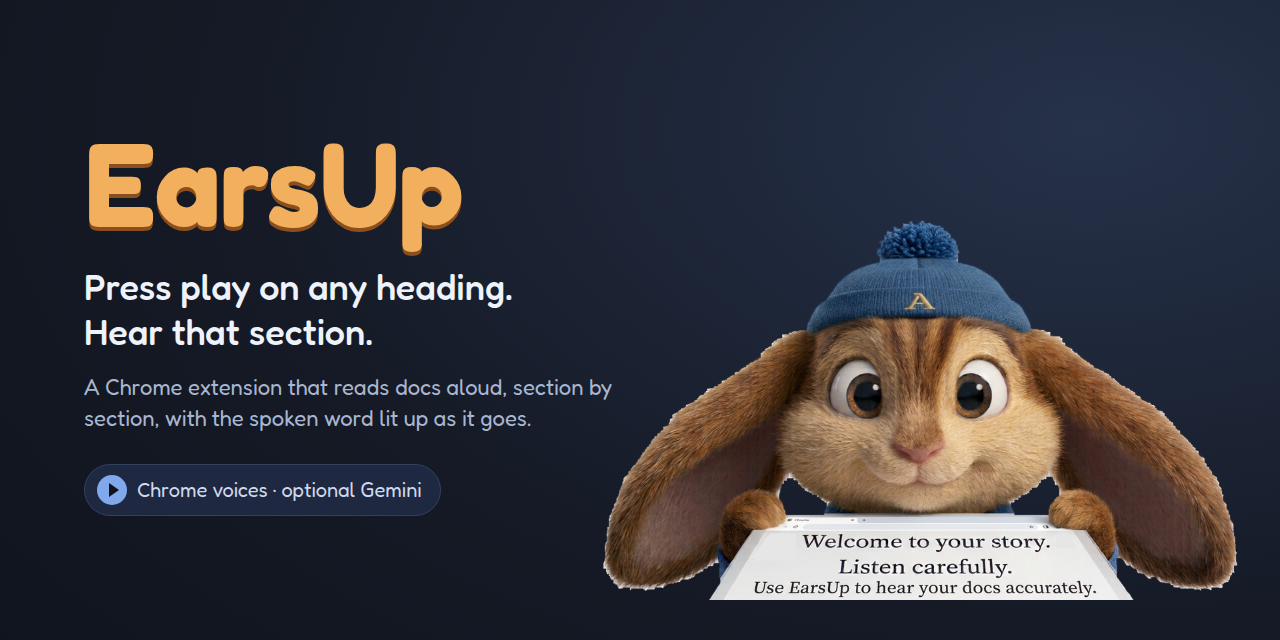
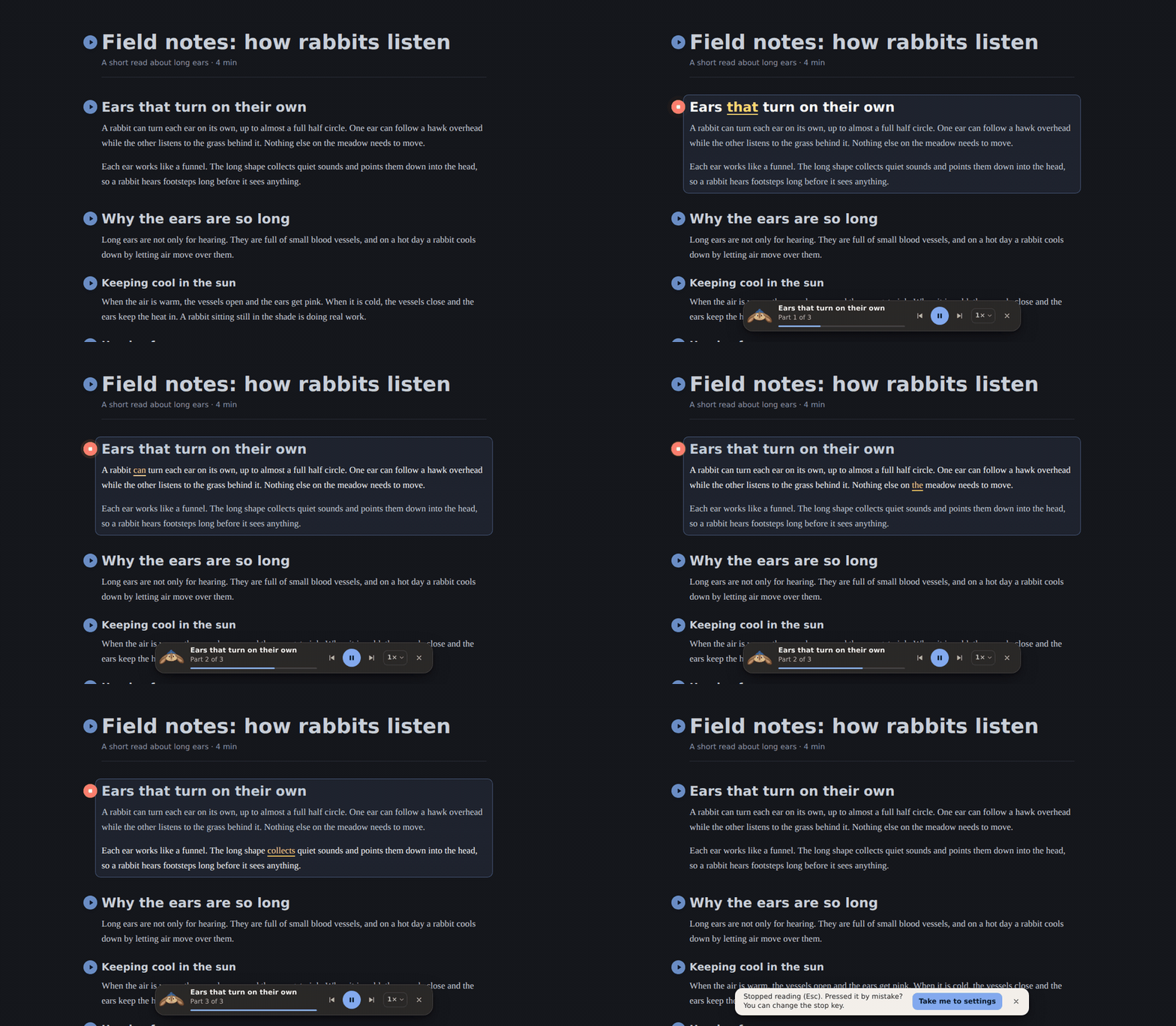
EarsUp is a Chrome extension that puts a play button next to the headings on any page. Press it and EarsUp reads that heading and everything under it aloud, until the next heading of the same level. The word being spoken lights up as it goes.
It works on long docs, specs, wikis, articles, and chats, and it is free. It uses the voices already in Chrome, or Google Gemini voices if you add your own key.
See it read
Why EarsUp
- One press per section. Play buttons sit next to H1–H4 headings. Press one to hear that part only, not the whole page.
- Follow along. The sentence goes bright and the spoken word turns yellow (or green, pink, cyan). You can turn it off.
- A player that stays out of the way. Pause, skip, change speed, and drag it anywhere. Space pauses, Esc stops.
- Your choice of voice. Chrome voices work offline and send nothing anywhere. Gemini voices sound more natural and use your own API key.
- History. Every paragraph you listen to is saved in this browser, with a link back to where you read it.
- Light and dark. The settings panel and the highlight colours follow the page and your system theme.
Get started
-
Install
Download the zip from the latest release and load it in Chrome. It takes a minute.
-
Press play
Play buttons, the floating player, and the keys you can use while it reads.
-
Pick a voice
Choose a Chrome voice, or connect Gemini for more natural speech.
-
Privacy
What EarsUp stores, what it sends, and when.
Stack
- React and Vite for the settings panel
- Chrome Manifest V3: content script, service worker, side panel
- Web Speech API for Chrome voices, Gemini TTS for Gemini voices
- CSS Custom Highlight API for follow-along, so the page itself is never changed
Source
EarsUp is open source on GitHub. Issues, stars, and contributions are welcome.