Usage
EarsUp has one job: read a part of a page to you. Everything else helps you start, follow, and control that reading.
The short version
- Open a page with headings.
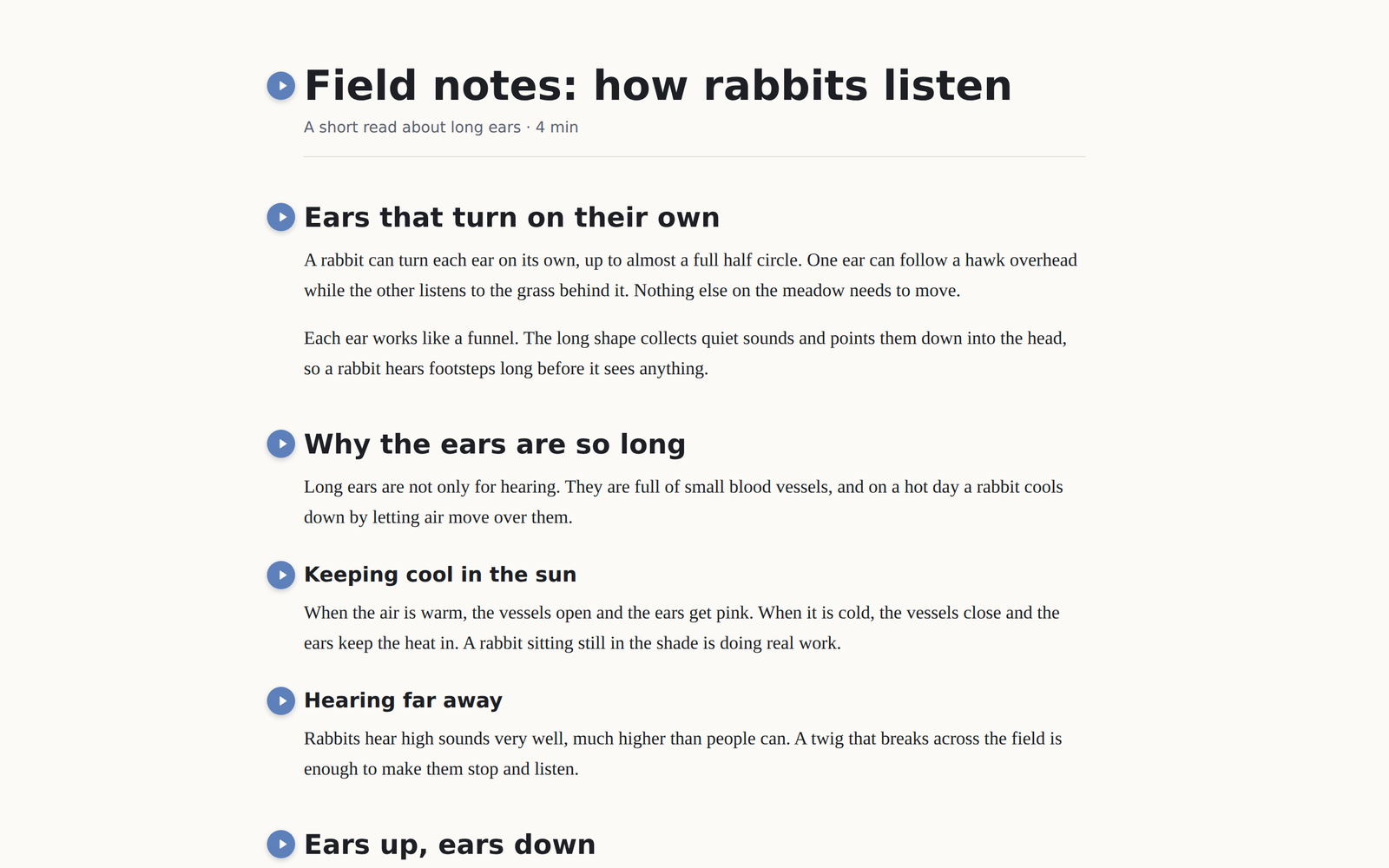
- Press the blue button next to a heading.
- EarsUp reads that heading and everything under it. The button turns red and becomes stop.
- Press Space to pause, Esc to stop, or use the floating player at the bottom.
Pages in this section
| Page | What it covers |
|---|---|
| Play buttons | Which headings get a button, where it sits, and what gets read |
| Floating player | Pause, skip, speed, drag, close |
| Keys & shortcuts | Space, Esc, and the Chrome shortcuts that work from anywhere |
| Follow along | The bright sentence and the coloured word |
| Voices | Chrome voices, Gemini voices, speed, pitch, volume |
| Sites | Turn EarsUp off on some sites, or on only for some |
| History | Every paragraph you listened to, with copy and links |
| Settings panel | Where to find each setting |