Privacy
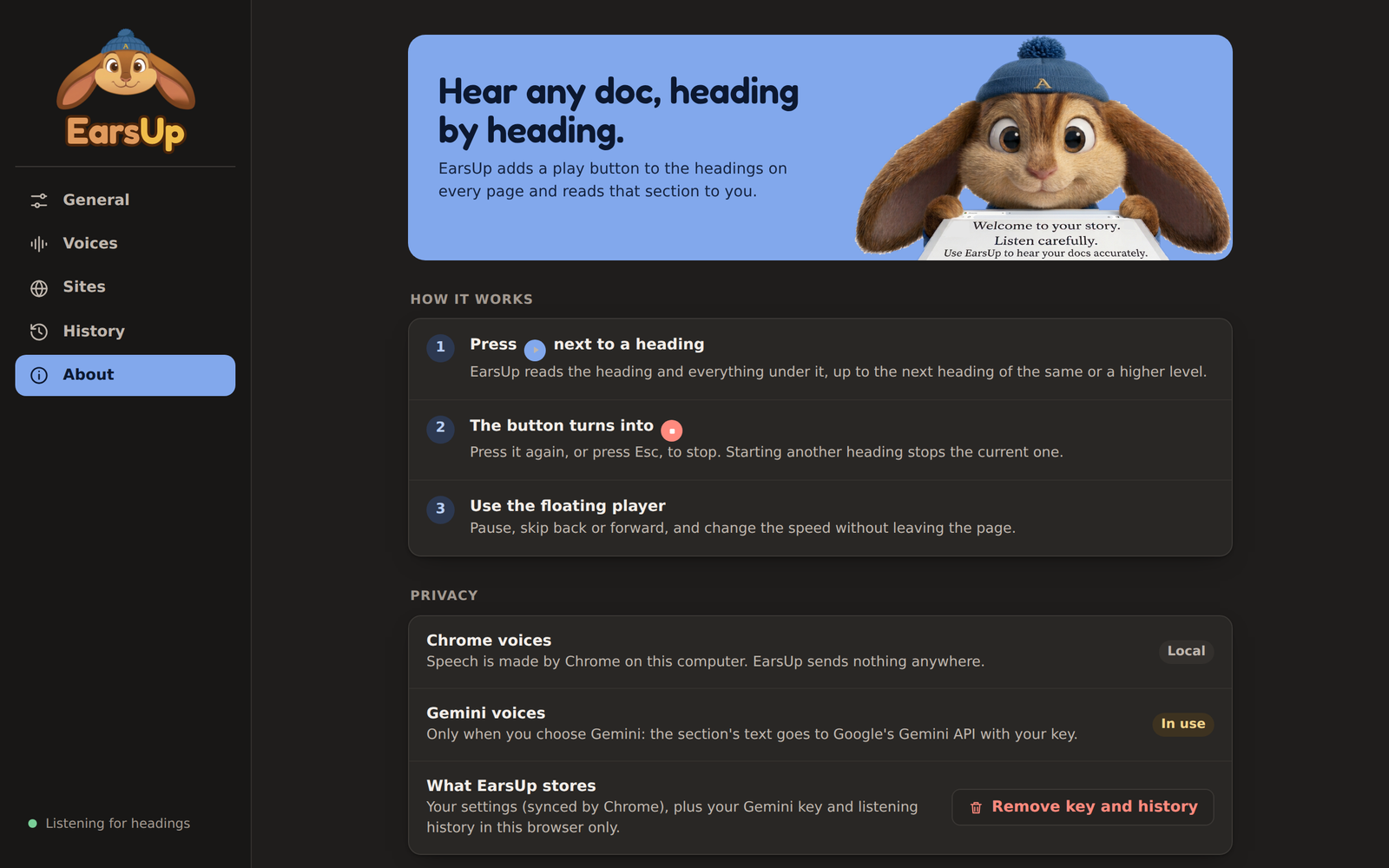
EarsUp has no server, no account, and no analytics. It reads the page you are on, in your browser.
What is sent, and when
| You use | What leaves your computer |
|---|---|
| Chrome voices | Nothing from EarsUp. Chrome makes the speech. Some voices named "Google …" are made online by Google as part of Chrome. |
| Gemini voices | The text of each section you play, sent to Google's Gemini API with your key. Nothing else. |
EarsUp only talks to one address: generativelanguage.googleapis.com, and only when Gemini voices are on.
Sensitive pages
Do not use Gemini voices on confidential, customer, health, or payment data unless your organisation approves it. Use Chrome voices for those pages, or add the site to the Sites block list.
What is stored
| Data | Where | Synced |
|---|---|---|
| Settings | chrome.storage.sync |
Yes, with Chrome sync |
| Gemini API key | chrome.storage.local |
No, this browser only |
| History | chrome.storage.local |
No, this browser only |
History includes the paragraphs you listened to. If you listen to sensitive pages, set History → Keep to Off, or clear it from time to time.
To delete your key and history, go to About → Remove key and history. Removing the extension deletes everything.
Permissions
| Permission | Why |
|---|---|
| Read pages on all sites | To find headings and read the text under them. |
storage, unlimitedStorage |
To save settings and history. |
sidePanel |
To open the settings next to the page. |
favicon |
To show site icons in the Sites list and History. |
generativelanguage.googleapis.com |
To call Gemini, only when you turn it on. |