Settings panel
Click the EarsUp icon in the toolbar. The settings open in Chrome's side panel, on the right of the page, so you can change things while you listen.
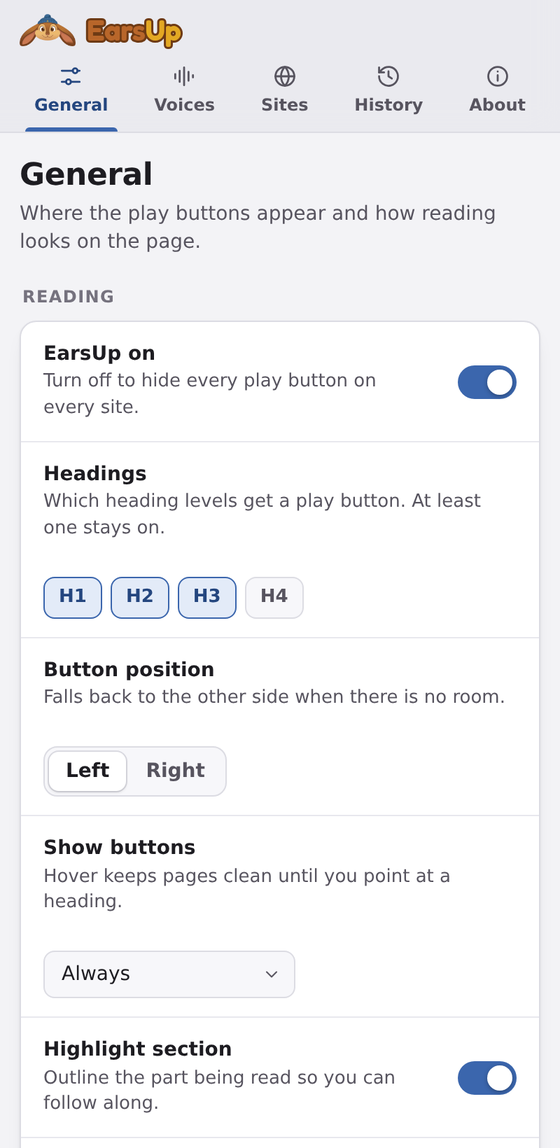
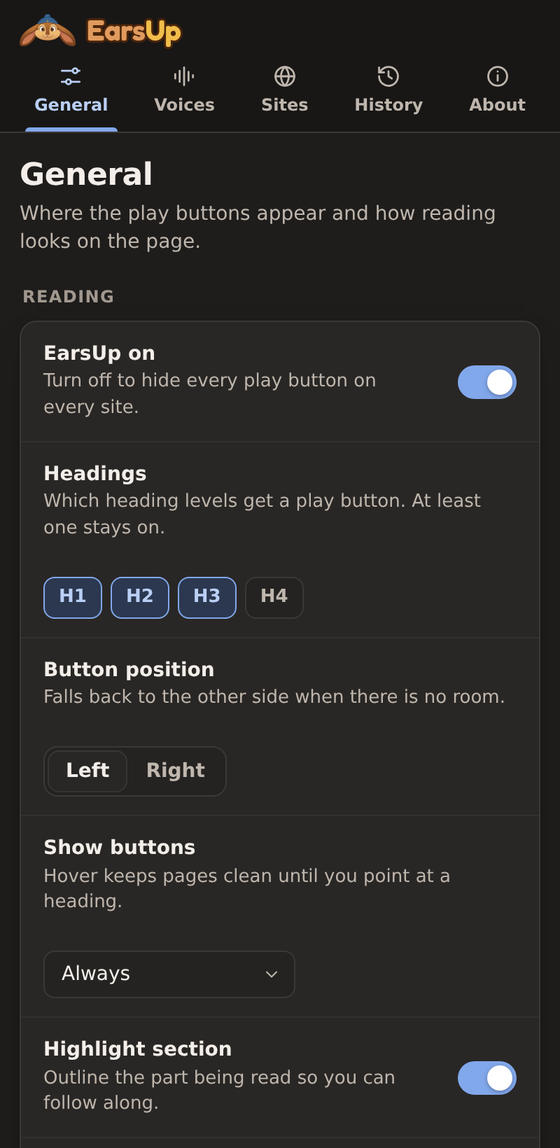
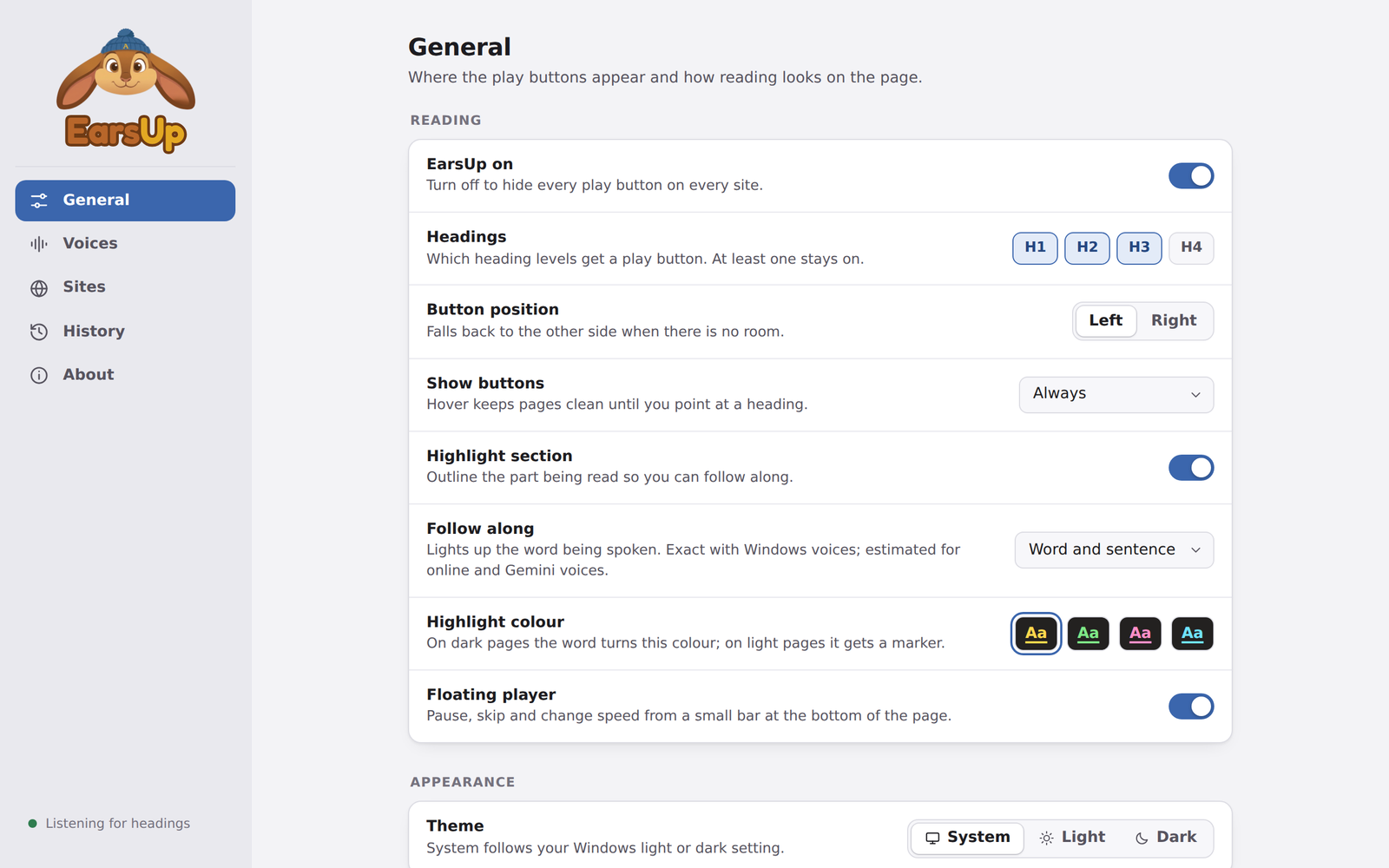
In the side panel the sections are tabs along the top. When the panel is wide, or when you open it in a full tab, they move to a sidebar on the left.
Sections
| Section | What is in it |
|---|---|
| General | EarsUp on/off, heading levels, button position and visibility, section highlight, follow along, floating player, theme, keys |
| Voices | Voice engine, speed, pitch, volume, Chrome voices, Gemini connection |
| Sites | Where EarsUp runs |
| History | Everything you listened to |
| About | How it works, privacy, version, reset |
Every button and control has a tooltip. Point at it, or move to it with Tab, to see what it does.
Theme
General → Appearance → Theme: System, Light, or Dark. System follows your operating system's setting.
Syncing
Your settings sync to other computers where you are signed in to Chrome with sync on. Your Gemini key and history do not sync. They stay in this browser.