Sites
By default EarsUp shows play buttons on every site. In Sites you can change that.
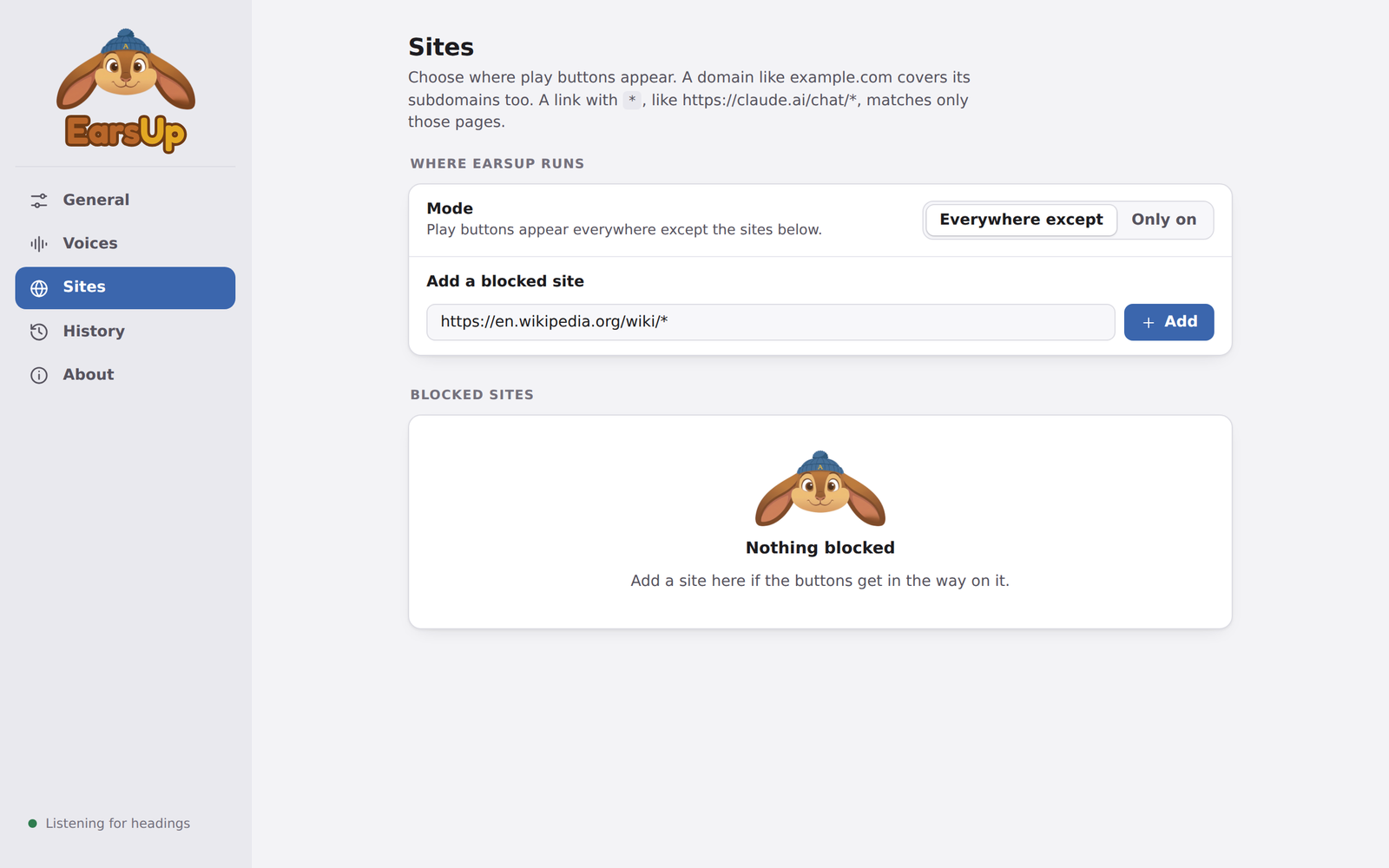
Two modes
| Mode | What it does |
|---|---|
| Everywhere except | Buttons on every site, except the ones in your list. Use this when buttons get in the way on a few sites. |
| Only on | Buttons only on the sites in your list. Use this when you only listen on a few sites. |
Each mode keeps its own list, so you can switch back and forth without losing either.
Writing a rule
Type a rule and press Add. EarsUp keeps the rule exactly as you typed it, and shows it next to the site's icon.
| Rule | Matches |
|---|---|
claude.ai |
Every page on claude.ai and its subdomains |
https://claude.ai/chat/* |
Only chat pages on claude.ai |
docs.google.com/document/* |
Google Docs documents, not Sheets or Slides |
*.atlassian.net/wiki/* |
Confluence pages on any Atlassian site |
*matches anything.- A rule without
*or a path matches the whole domain, including subdomains. www.does not matter:example.comalso matcheswww.example.com.
Changes apply to open tabs right away. You do not need to refresh.