History
History keeps every section you listened to, paragraph by paragraph, newest first. It is stored in this browser only.
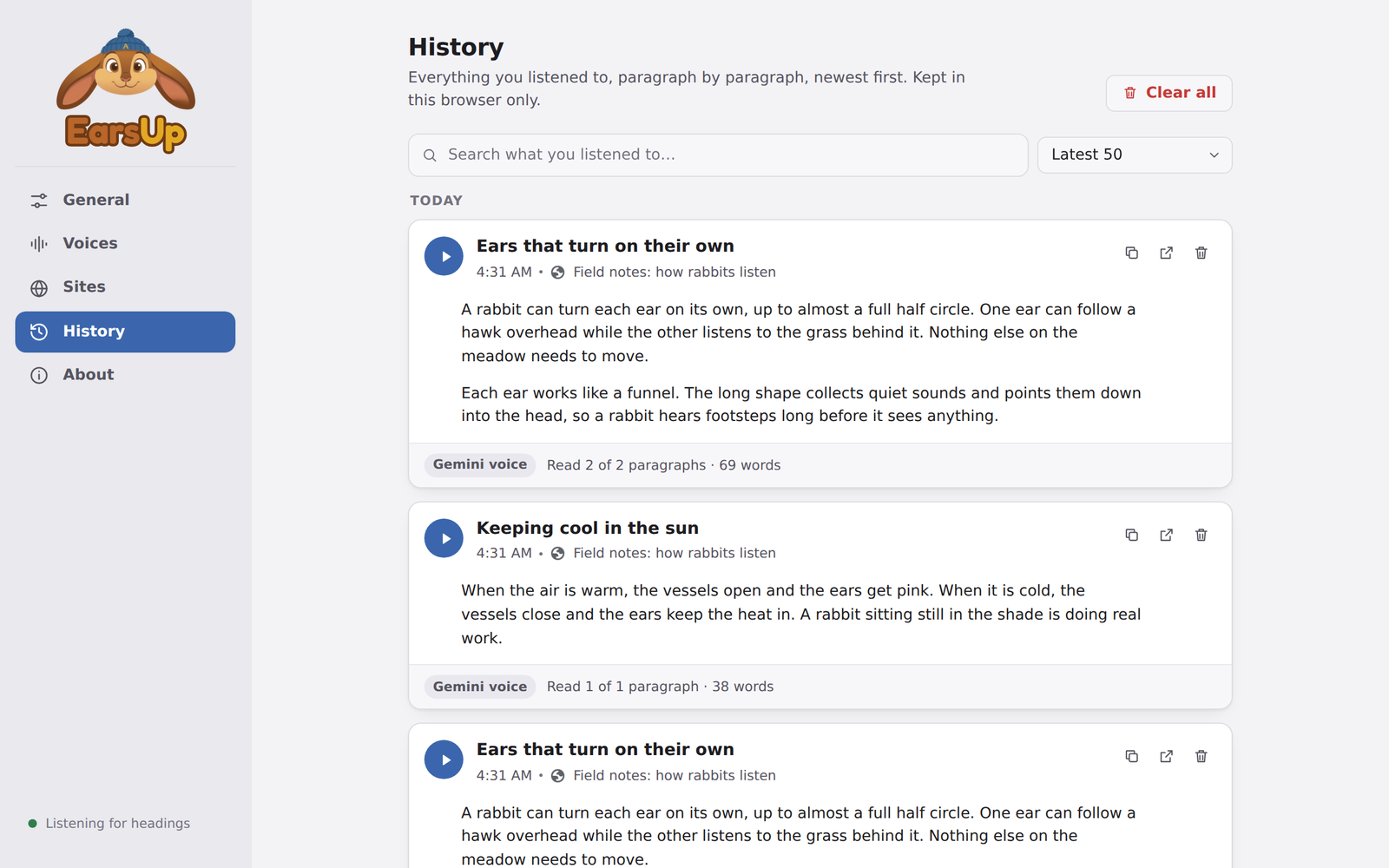
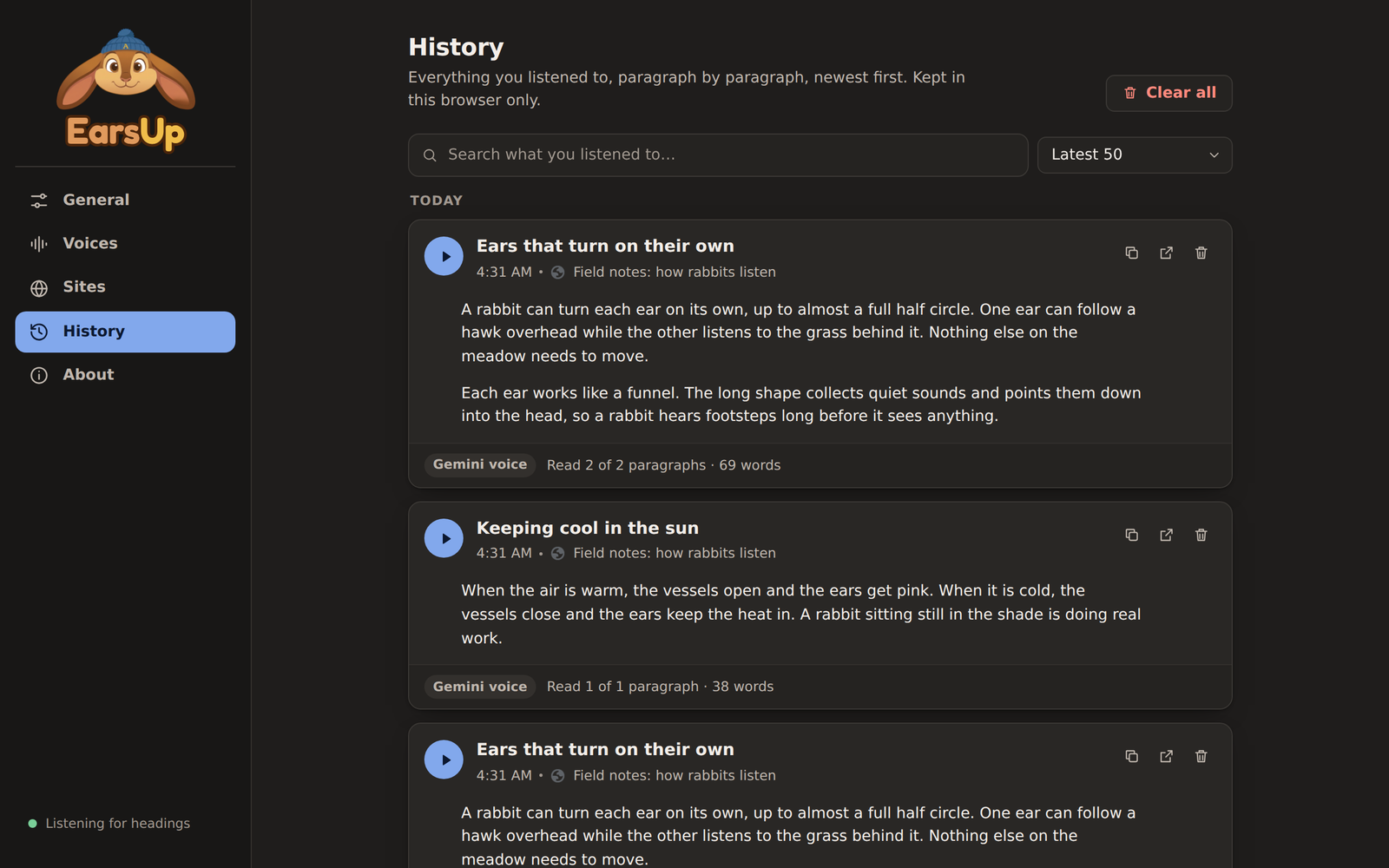
Each entry
- The heading you played, the time, and the page it came from.
- A big play button to listen again, right in the settings panel.
- Every paragraph of the section. If you stopped early, a You stopped here line shows where, and the paragraphs after it are greyed out.
- The voice it was read with, and "Read X of Y paragraphs · N words".
Point at a paragraph for three more buttons:
| Button | What it does |
|---|---|
| Play from here | Read from this paragraph to the end of the section |
| Copy | Copy this paragraph |
| Open | Open the page and jump to this paragraph |
The buttons at the top of each entry copy the whole section, open the page at the heading, or delete the entry.
Search and limits
- Search finds text in headings, page titles, and paragraphs, and highlights the matches.
- Keep sets how many entries to keep: Off, 10, 25, 50, 100, or All. The default is 50. When the list is full, the oldest entry goes.
- Clear all deletes every entry.
Entries are grouped by day. If you play the same heading on the same page again, the old entry moves to the top.
Links into frames
"Open" uses a text link (#:~:text=) to scroll to the paragraph. It does not work when the text is inside a frame on the page, so the page opens at the top.